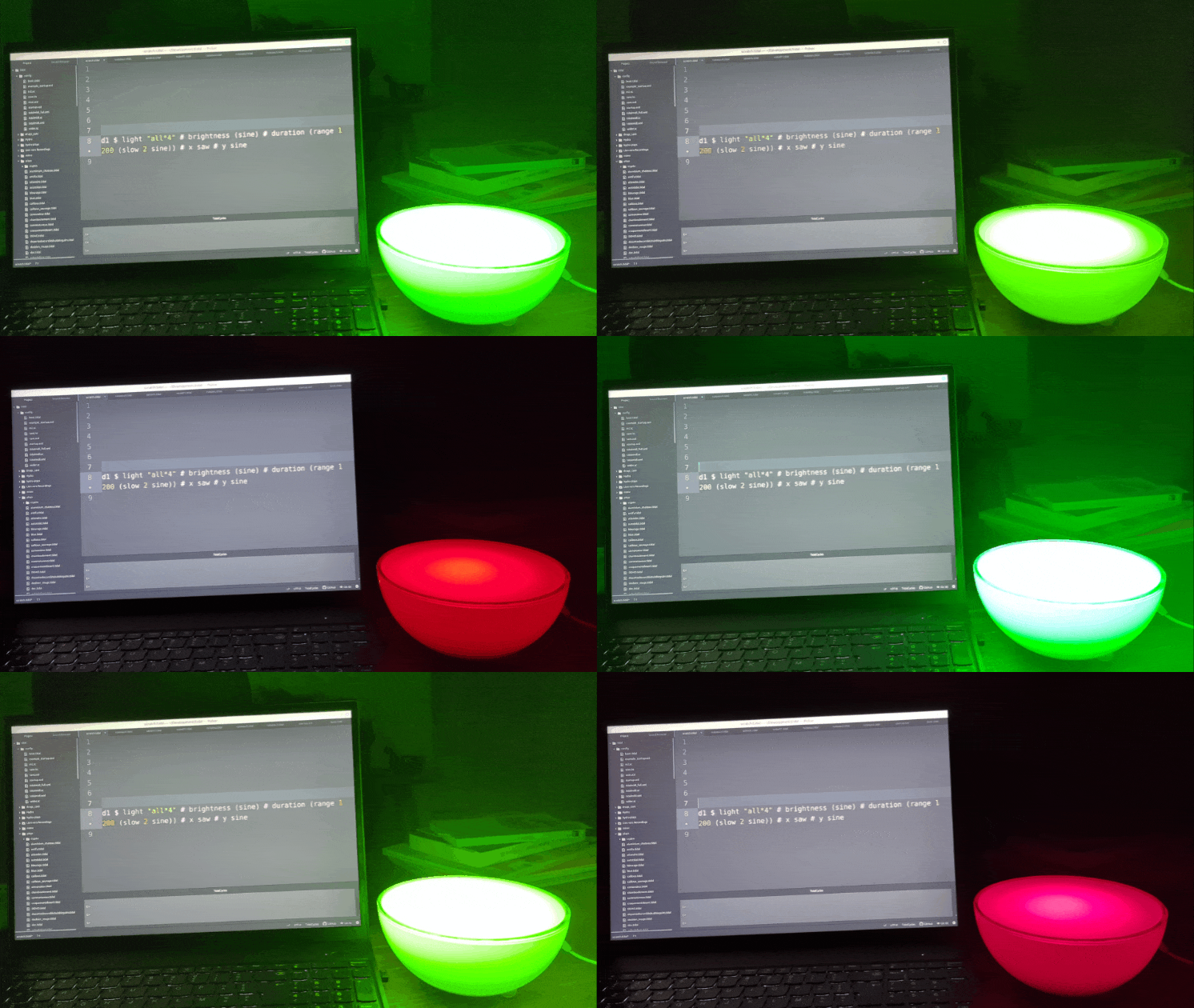
I wondered what it would be like to livecode a single pixel sitting outside of my screen (e.g. a lamp) with the same tools I use for music (maybe for a unified performance).
I don't have the Philips Hue light but I really like this idea. Do you have any videos showing this code in action? I'm wondering what the response time is. For example, would the equivalent of bd*32 produce flashing lights?
An example of what this script can do is in the youtube short.
from pywizlight import wizlight, PilotBuilder
import asyncio
import time
async def control_bulb():
#the bulb ip address was found in the App under the Lightbulb Device Info
#the bulbs work off the ESP WROOM chip, good to know for hardware replication
    bulb = wizlight("192.168.68.61")
    print("Turning bulb ON...")
    await bulb.turn_on()
    print("Setting to blue...")
    await bulb.turn_on(PilotBuilder(rgb=(0, 0, 255)))
    time.sleep(2)
    print("Setting to 30% brightness...")
    await bulb.turn_on(PilotBuilder(brightness=30))
    time.sleep(2)
    print("Setting to warm white...")
    await bulb.turn_on(PilotBuilder(brightness=100, colortemp=2700))
    time.sleep(2)
    print("Turning bulb OFF...")
    await bulb.turn_off()
    # Properly close the connection
    await bulb.async_close()
    print("Test complete!")
# Run with proper cleanup
try:
    asyncio.run(control_bulb())
except KeyboardInterrupt:
    print("\nScript interrupted")
My current problem is getting SuperCollider IDE to forward the OSC Messages it receives so that Python can receive the messages for parsing.
How did you setup SuperCollider IDE to not consume the messages? it appears that whenever I try to forward the OSC Messages to a new port, there is nothing to send because the OSC Message is consumed before it can be forwarded.
I saw your OP and got excited however I am still very much a newb with GO or the language of the scripts you wrote.
I could read and understand it but the workflow was completely alien to me. So yea, I just wanted to try and make it function in python for familiarities sake.
Theres a lot of possibilities in python to hack more functionality into the bulbs using more libraries.
I was thinking of using an MPU6050 to control max brightness of one bulb while tidal controls the pulse of other bulbs.
I completely understand, and hacking it yourself is even more fulfilling.
As I said in my previous message, the trick is to manage the delay on Supercollider's side, not on your script side, so that the events are sent in advance with a specific timing you decide.
Target {oName = "hue",          -- Or anything you want
        oAddress = "localhost", -- The host on which your script is listening
        oPort = 8080,           -- The port your script is listening
        oLatency = 0.2,         -- Tweak the delay here
        oSchedule = Live,
        oWindow = Nothing,
        oHandshake = False,
        oBusPort = Nothing
}